user
I want to build this

Attachments:
- photo_5803067392261820452_y.jpg
Draft · then CAD
Transcript
Waiting for draft approval
user
I want to build this Attachments: - photo_5803067392261820452_y.jpg
assistant
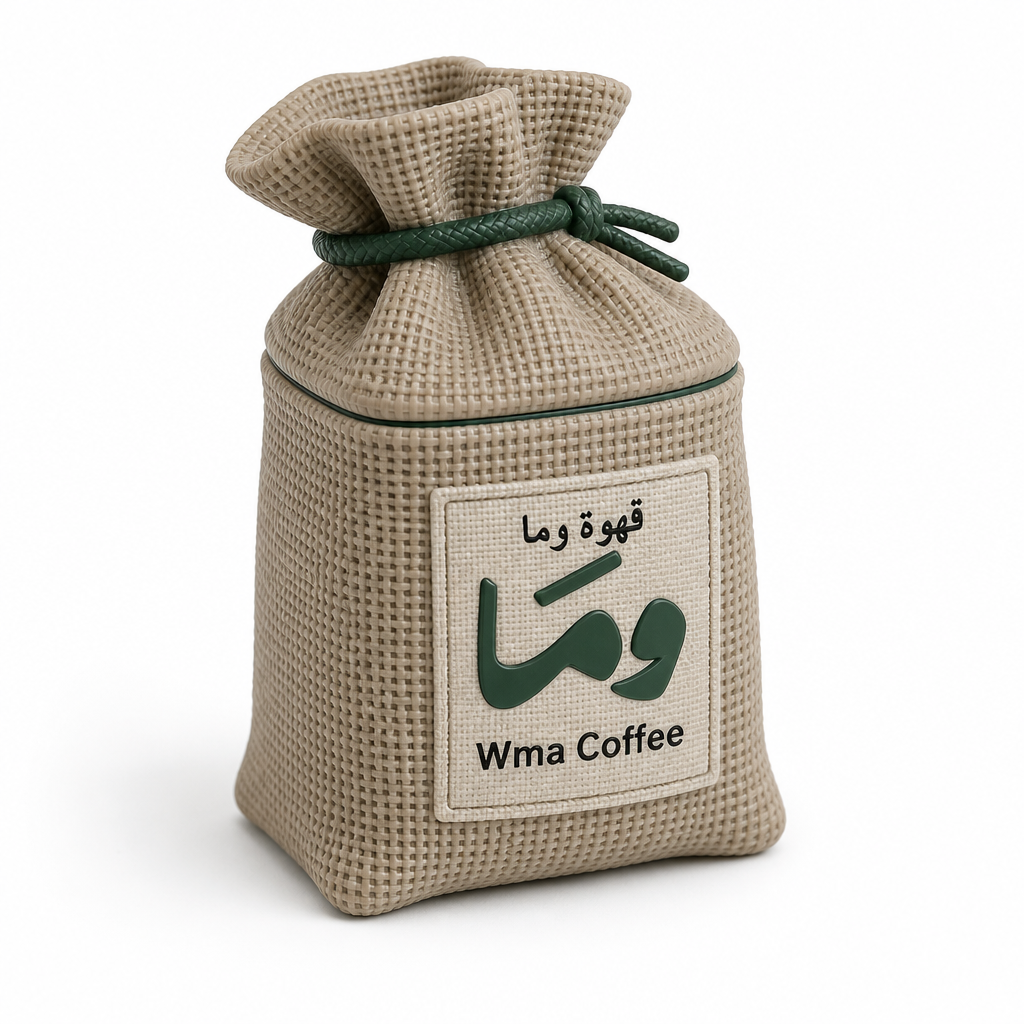
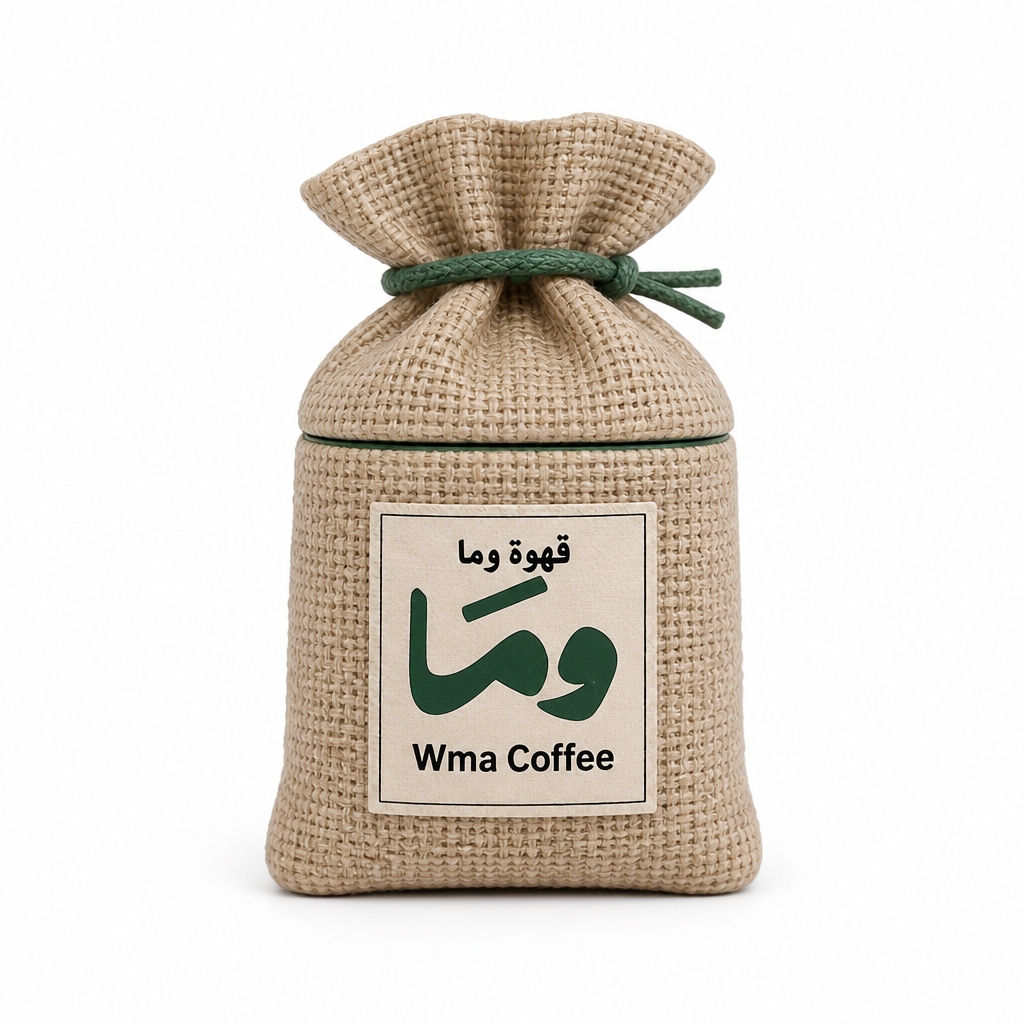
I'll generate two visual drafts of the printable coffee-sack container and save them under `drafts/v1/`. First I'm checking the design skill, the reference photo, and the image-generation tool.Next I’ll locate the design skill, the uploaded reference, and the workspace layout so the two drafts match the approved look.I have the reference: a two-piece tan burlap-sack jar with a forest-green lining, cinched lid, and the Wma Coffee label. Generating the iso and front studio drafts next.Images are generated. I'll inspect them, then copy them into `drafts/v1/`.Both drafts match the sack form and label. Copying them into `drafts/v1/` now.**Look note**

Two desk-scale drafts are in `drafts/v1/iso.png` (three-quarter) and `drafts/v1/front.png` (straight-on). Same object: a two-piece mug-sized coffee-sack jar in matte sandy-tan plastic with a sculpted burlap weave. The gathered lid cinches with a forest-green molded rope; a thin green lining shows at the seam. The cream front patch has small Arabic **قهوة وما**, a large green calligraphic mark, and **Wma Coffee** in black sans-serif.

No CAD started.